 mostakimali
 TradingView has become one of the most recognizable charting and market-analysis platforms, and in 2026 it is still widely used by people who want charts, indicators, screeners, alerts and market data in one place. Recent 2026 reviews continue to put TradingView near the top for all-round chart analysis, while newer AI features are pushing trading platforms toward natural-language research and automation. urlTradingView official websitehttps://www.tradingview.com/
This TradingView review focuses on what the platform actually does well, where it can feel limited, how the interface works for research, and which features matter most before paying for a plan. It is a software review, not a recommendation to buy or sell any financial asset. Markets can move unpredictably, and no charting platform can guarantee profits.
What Is TradingView?
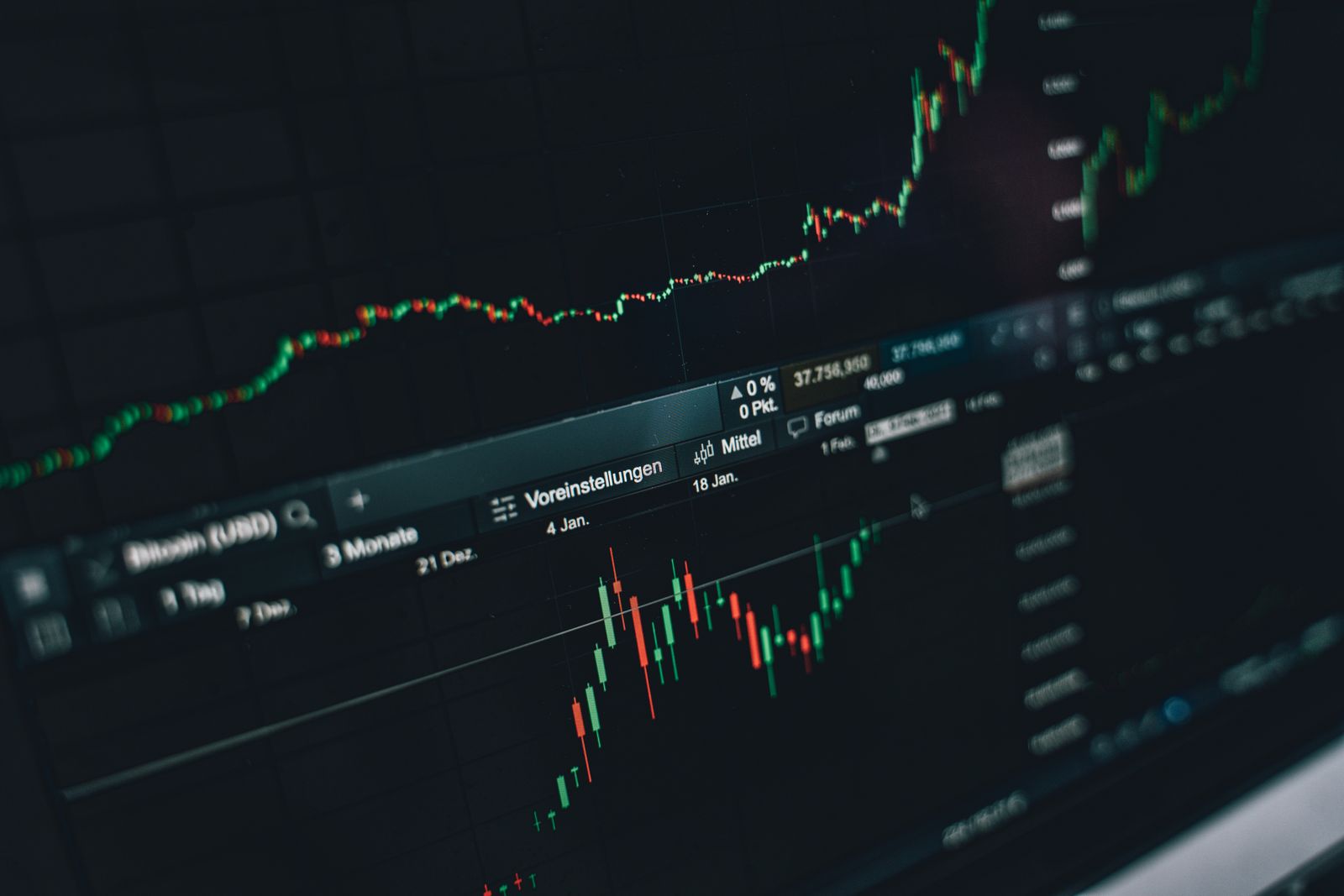
TradingView is a web-based charting and market-analysis platform covering multiple asset classes. Its core appeal is the ability to view price charts, add technical indicators, create watchlists, set alerts and compare markets without installing a traditional desktop terminal.
The platform is also known for its community. Users publish chart ideas, indicators and scripts, while the Pine Script environment allows more advanced users to create or customize indicators and strategies for analysis. That combination gives TradingView a much larger ecosystem than a basic chart viewer.
TradingView Review 2026: What Stands Out
The strongest part of TradingView remains its charting experience. Charts load quickly, layouts are flexible, and users can switch between timeframes without fighting the interface. For someone researching several markets, that matters because the workflow becomes less about opening separate tools and more about organizing information in one workspace.
Another advantage is cross-device access. A watchlist or chart layout can be available through the web interface and mobile applications, making it easier to monitor research away from a main computer.
Charting Features
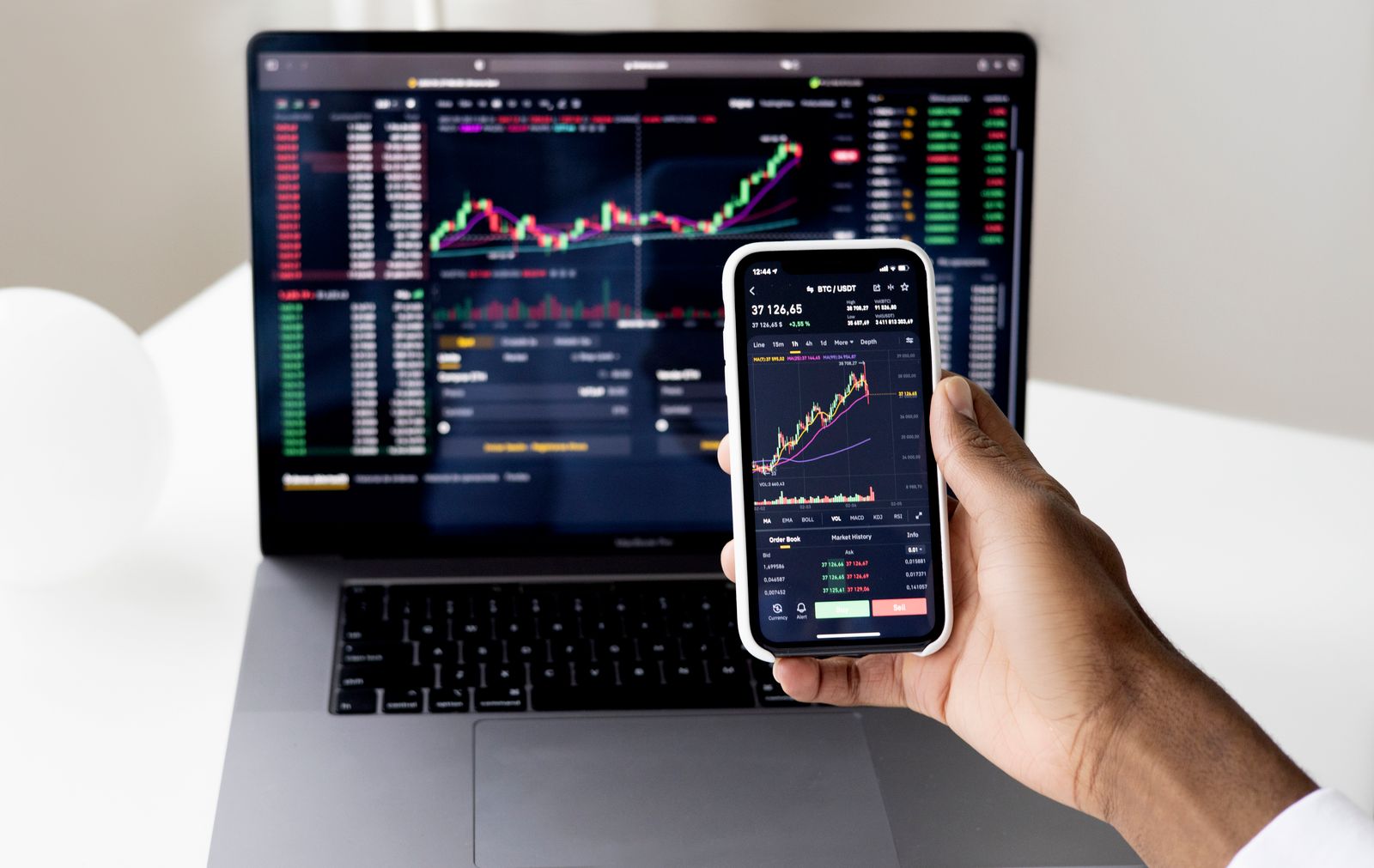
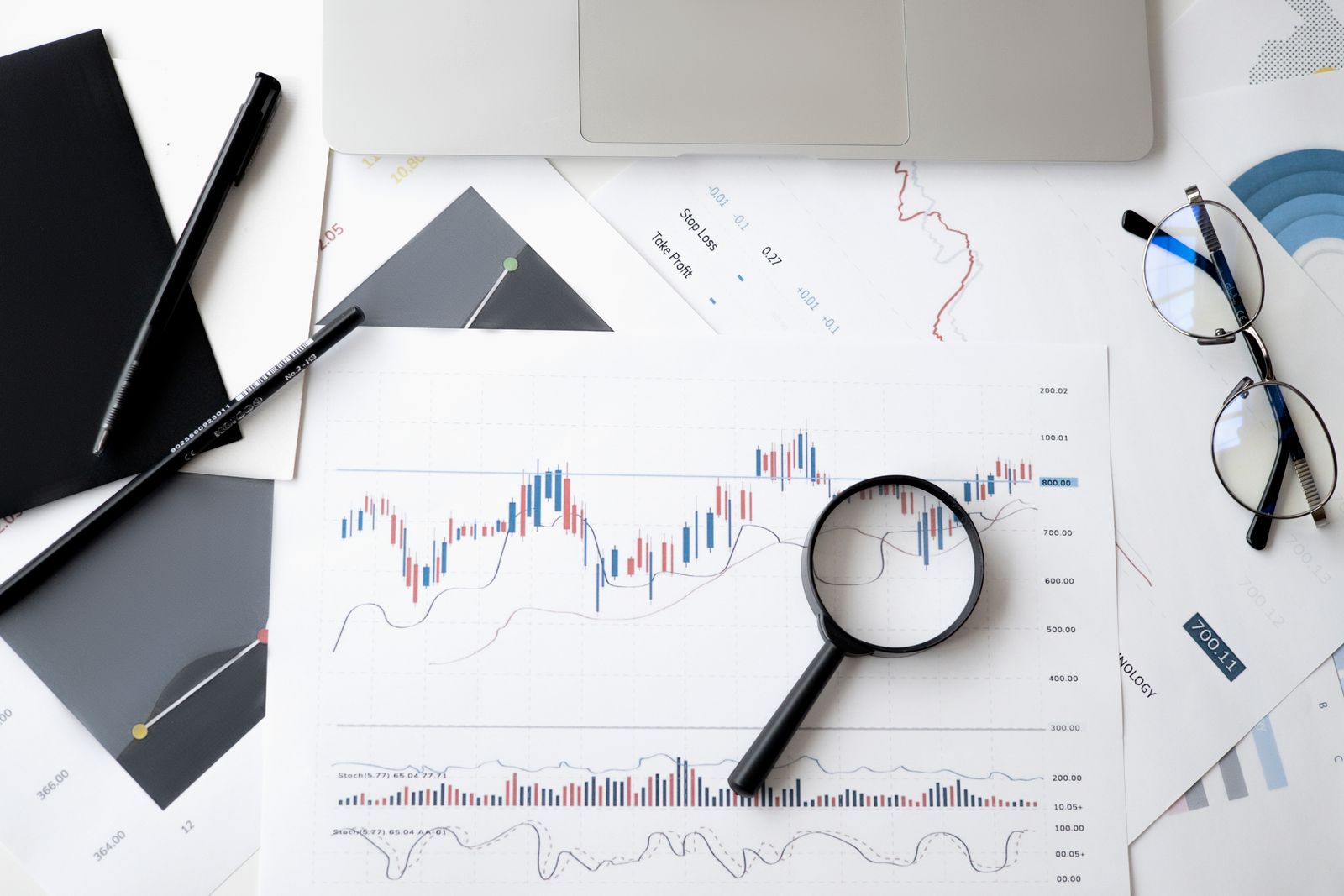
TradingView offers a large collection of drawing tools and technical indicators. Moving averages, oscillators, trend lines, volume tools and other studies can be added to charts and adjusted to fit different research workflows.
The advantage is flexibility. A beginner can start with a simple price chart, while a more experienced user can build a much more detailed workspace. The downside is that the number of options can become overwhelming. Adding indicators simply because they are available can make a chart harder to understand rather than better.
For that reason, the most useful TradingView setup is usually a focused one. A clean chart with a few relevant tools is easier to interpret than a screen filled with overlapping signals.
Screeners and Market Discovery
TradingView’s screeners are useful when the goal is to narrow a large market into a smaller research list. Instead of opening individual charts one by one, users can filter securities using characteristics such as price behavior, volume and other available data points.
This is especially useful for research because a screener can reduce the amount of manual searching. It does not mean that every result is automatically a good opportunity. Screening is a starting point, not a substitute for understanding the underlying company, market or risk.

Alerts Are One of the Best Features
Price alerts are among the most practical TradingView features because they reduce the need to constantly watch a chart. Users can create alerts around selected price or indicator conditions and receive notifications when those conditions occur.
For someone doing market research, alerts can turn a passive watchlist into a structured monitoring system. Instead of checking the same chart every few minutes, you can define what deserves attention and return when an alert is triggered.
However, alerts should not be treated as automatic trade instructions. A notification simply says that a condition happened. It does not explain why it happened or whether the broader market context makes the event important.
TradingView and AI Features in 2026
AI has become a major theme across trading software in 2026. Recent reviews highlight natural-language research and AI-assisted screening as an emerging part of the trading-platform experience. citeturn0search2turn0search0
The useful idea behind AI in this category is not a magic prediction engine. It is reducing the amount of time needed to find information, explain a chart or turn a research question into a structured search. That can be helpful when the user still checks the underlying data.
AI should also be treated carefully. A language model can misunderstand a chart, use outdated information or present an uncertain conclusion too confidently. The best use of AI is therefore as a research assistant rather than a guaranteed signal generator.
Pine Script and Custom Indicators
One feature that separates TradingView from simpler charting apps is Pine Script. It allows users to create custom indicators, alerts and strategy-testing tools inside the TradingView environment.
For advanced users, this can be extremely useful because they do not have to depend entirely on the indicators included by default. A custom script can organize a specific research method or automate repetitive chart calculations.
The learning curve is the trade-off. Someone who has never written code may find Pine Script confusing at first. Community scripts can make the platform easier to explore, but users should still understand what a script is doing before relying on its output.
Mobile Experience
The mobile app is useful for checking watchlists, reviewing charts and receiving alerts. It is better suited to quick monitoring than detailed chart organization, which is generally more comfortable on a larger display.

TradingView Pricing: What Should You Look At?
TradingView has multiple plan levels, and the exact pricing and included features can change. Before subscribing, check the current official pricing page rather than relying on an old review. urlTradingView pricinghttps://www.tradingview.com/pricing/
The important question is not simply whether a paid plan is better. It is whether the extra features solve a real problem in your workflow. More alerts, additional charts, advanced data and other premium features can be valuable for active research, while a casual user may not need them.
Starting with the available free functionality can be a sensible way to learn the interface before deciding whether additional features justify a subscription.
What TradingView Does Better Than Many Alternatives
TradingView’s biggest advantage is breadth. It combines charting, screeners, alerts, community scripts, watchlists and cross-device access in a polished interface. Recent independent comparisons continue to describe it as a strong all-round charting platform. citeturn0search10turn0search1
It also has a large user community, which means there is a substantial amount of educational material and shared chart work available. That can make learning easier, although community content should never automatically be treated as reliable financial analysis.
Where TradingView Could Be Better
The biggest weakness is complexity. There are so many indicators, drawing tools, scripts and settings that new users can spend more time configuring the platform than actually learning market analysis.
Another limitation is that TradingView is primarily a research and charting environment. Depending on the market, region and broker integration, actual order execution may require a connected broker or another service. The exact availability of features also varies by plan and market.
Finally, premium subscriptions can become expensive if you only use a small part of the platform. The value depends heavily on how often you use advanced features.
Who Is TradingView Best For?
TradingView is a strong fit for people who want a flexible charting and market-research workspace. It is particularly useful for users who follow several markets, want customizable charts or need alerts without constantly watching screens.
It may be less suitable for someone who wants a very simple investing interface with almost no configuration. The platform rewards users who are willing to learn its tools.
Questions People Ask About TradingView in 2026
Is TradingView worth it in 2026?
For users who regularly need advanced charts, alerts, screeners and customizable layouts, it can be valuable. Casual users may find the free functionality sufficient.
Is TradingView good for beginners?
Yes, but the number of available tools can feel overwhelming. Starting with a simple chart, watchlist and a small number of indicators makes the learning process easier.
Does TradingView use AI?
AI-assisted research and natural-language features are becoming more important across trading platforms in 2026. Availability depends on the specific TradingView feature and plan.
Can TradingView predict prices?
No platform can reliably predict future market prices. Charting and AI tools can help organize information, but market outcomes remain uncertain.
Is TradingView free?
TradingView offers free functionality as well as paid plans with additional capabilities. Current plan limits should be checked on the official pricing page.
Can TradingView be used on a phone?
Yes. Its mobile applications are designed for monitoring charts, watchlists and alerts, although detailed analysis is generally easier on a larger screen.
Is TradingView only for stocks?
No. The platform supports market data and charting across multiple asset classes, although exact instruments and real-time data availability vary by exchange and plan.
Does TradingView guarantee trading profits?
No. It is a charting and market-analysis platform, and neither its indicators nor AI features can guarantee a profitable result.
Final Verdict
TradingView remains one of the strongest all-round market-analysis products in 2026. Its combination of flexible charts, screeners, alerts, community tools, Pine Script and expanding AI capabilities gives it a broader feature set than a basic charting app.
The main reason to choose it is not a promise of better trades. It is the ability to organize market information efficiently. If you want a platform that can grow from simple charts into a more advanced research workspace, TradingView is worth considering. If you only need occasional price checks, its feature set may be more than you need.
The most important test is whether trading software makes research clearer without encouraging overconfidence. TradingView performs well when its tools are treated as research aids rather than guaranteed signals.